
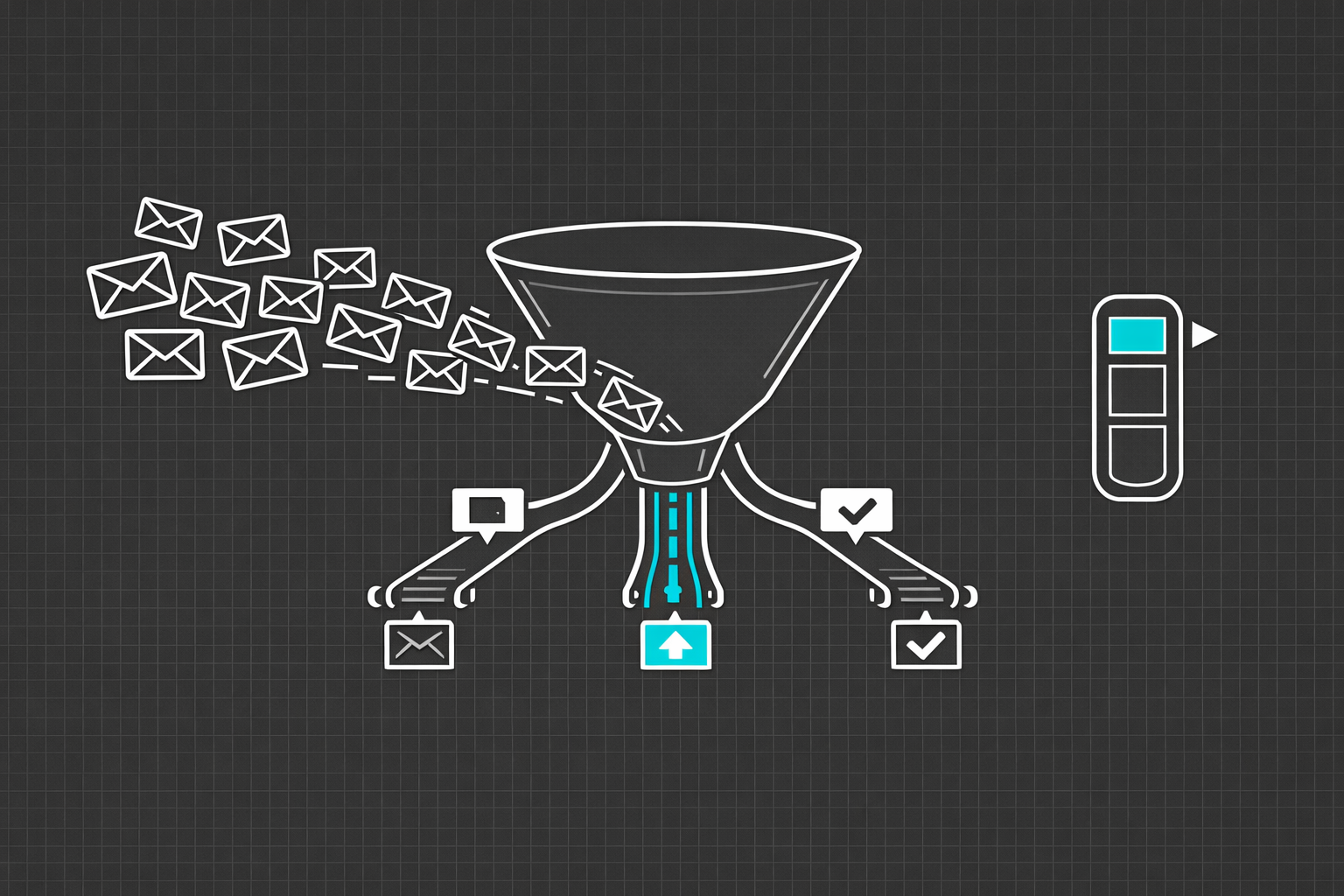
Every support team has the same problem, and it has nothing to do with how good the agents are. The problem is triage. Tickets come in through email, chat, web forms, social media, phone transcriptions, and internal escalation channels. Each one needs to be read, understood, categorized, prioritized, and routed to the right person or team. And it needs to happen fast, because response time is the single strongest predictor of customer satisfaction.
Most companies handle triage one of two ways. Either a human reads every ticket and manually assigns it, which is slow and inconsistent, or they use keyword-based rules that break constantly and misroute tickets into the wrong queue. Both approaches waste time. Both frustrate customers. And both burn out support agents who spend their energy on sorting instead of solving.
AI-powered triage is not a theoretical improvement. It is a practical one that companies of almost any size can implement today, and the impact on response times, agent productivity, and customer satisfaction is significant and measurable.
Why Keyword Rules Fail
The instinct to automate triage with keyword rules is understandable. If the ticket contains "billing," route it to the billing team. If it mentions "password," send it to account support. If it says "cancel," flag it as high priority. Simple enough.
Except it is not. A customer writes "I was billed twice for my January order and I want to know why the charge appeared before my subscription even started." That ticket mentions billing, but it also involves subscriptions, order management, and potentially a payment processing bug. Which queue does it go to? The keyword rule picks one, probably the wrong one, and the ticket bounces between teams before someone actually addresses it.
Another customer writes "Everything is down." No product name, no error message, no account information. A keyword system has nothing to match on. The ticket sits in a general queue until a human reads it and realizes this is a critical outage report from an enterprise client that should have been escalated immediately.
Keyword rules are brittle, literal, and blind to context. They handle the easy cases and fail on the ones that actually matter.
How AI Triage Actually Works
AI-powered triage replaces keyword matching with language understanding. Instead of looking for specific words, the system understands the intent and meaning behind the message. Here is what the pipeline looks like in practice.
Intent Classification
The core of AI triage is a text classification model that reads the ticket and determines what the customer is trying to accomplish. Not what words they used, but what they mean. "I want to cancel my account," "How do I close my subscription," and "I'm done with this service" all express the same intent, even though they share almost no keywords.
Modern NLP models, particularly transformer-based architectures, are exceptionally good at this. A fine-tuned classification model trained on a few thousand labeled tickets from your own support history can achieve intent classification accuracy above 95 percent. That is not just matching human performance. It is exceeding it, because the model is consistent in a way that humans doing fast manual triage are not.
Priority Scoring
Not all tickets are created equal. A critical production outage affecting 500 users needs immediate attention. A question about how to export a CSV can wait. AI triage assigns a priority score based on multiple signals: the language urgency cues ("immediately," "critical," "data loss"), the customer's account tier, the product area affected, historical resolution time for similar issues, and whether the ticket matches patterns associated with known outages.
Sentiment analysis adds another layer. A customer who writes a calm, detailed bug report is in a different emotional state than one who writes in all caps with exclamation marks. Both deserve a good response, but the second one is at higher risk of churn and may benefit from a faster, more empathetic reply. AI can detect these signals and adjust priority accordingly.
Intelligent Routing
Once the system understands the intent and priority, it routes the ticket to the team or individual best equipped to handle it. This goes beyond simple category-to-team mapping. Intelligent routing considers agent availability, current workload, expertise match, language preferences, and even historical performance data. If Agent A resolves billing disputes 30 percent faster than Agent B, and Agent A is available, the system routes billing disputes to Agent A.
For multi-label tickets that span categories, the system can either route to the team best positioned to handle the primary issue or create linked tickets across teams with appropriate context shared between them.
Auto-Response and Deflection
A meaningful percentage of support tickets have straightforward answers that do not require human intervention. Password resets, order tracking, account balance inquiries, how-to questions covered in documentation. AI triage can identify these tickets, generate an accurate response or link to the relevant help article, and resolve the ticket without it ever reaching a human agent.
The key to doing this well is confidence calibration. The system should only auto-respond when it is highly confident that it understands the question and that the answer is correct. Low-confidence tickets should always be routed to a human. A bad auto-response is worse than a slow human response, because it signals to the customer that the company does not care enough to actually read their message.
The Numbers That Matter
Companies that implement AI triage typically see measurable improvements across several metrics.
Mean time to first response (MTTR) drops by 40 to 70 percent. When tickets are routed to the right team immediately instead of sitting in a general queue or bouncing between departments, the first meaningful response happens dramatically faster.
Ticket resolution time decreases by 20 to 35 percent. When agents receive tickets that match their expertise, they resolve them faster. When tickets arrive with AI-generated context (suggested category, priority rationale, links to similar resolved tickets), agents spend less time investigating and more time solving.
Misrouted tickets drop by 80 to 90 percent. This is where the time savings compound. Every misrouted ticket generates at least two handoffs, each adding delay and context loss. Eliminating misroutes is one of the highest-leverage improvements you can make in a support operation.
Agent satisfaction improves measurably. Support burnout is real, and a significant contributor is the feeling of drowning in an undifferentiated queue of tickets. When agents receive a curated, prioritized stream of tickets that match their skills, the work becomes more manageable and more rewarding.
Building the Training Pipeline
AI triage models need training data, and the good news is that most support teams are already sitting on exactly the data they need. Your historical ticket database, with its categories, resolutions, and agent assignments, is the training set.
The process looks like this. Export your resolved tickets with their final categories, priorities, and assigned teams. Clean the data by removing duplicates, correcting miscategorized tickets, and standardizing labels. Split the data into training and validation sets. Fine-tune a pre-trained language model on your ticket data. Evaluate accuracy on the validation set. Deploy with a confidence threshold that routes low-confidence predictions to human review.
The training data does not need to be perfect. A model trained on slightly noisy data with a few thousand examples per category will still dramatically outperform keyword rules. And the model improves over time as new tickets are processed and corrected assignments feed back into the training pipeline.
Integration Considerations
AI triage needs to integrate with your existing support infrastructure. That means your ticketing system (Zendesk, Freshdesk, Jira Service Management, Intercom, or whatever you use), your knowledge base, your customer database, and your communication channels.
The integration architecture is typically straightforward. The triage system sits between your inbound channels and your ticketing system. When a ticket arrives, the AI processes it, adds metadata (predicted category, priority score, suggested assignee, confidence level), and creates the ticket in your system with that metadata attached. Agents see the AI's predictions alongside the ticket and can accept or correct them.
For companies with specific requirements, unusual channel configurations, or ticketing systems that do not support standard integrations, a custom-built triage solution ensures the AI fits into your actual workflow rather than forcing you to adapt your workflow to the tool's assumptions.
Starting Small, Scaling Fast
You do not need to automate your entire support operation at once. A practical starting point is to implement AI triage for a single channel, like email, or a single ticket category, like billing inquiries. Measure the impact on routing accuracy, response time, and agent workload. Use those results to justify expanding to additional channels and categories.
Start with classification and routing before attempting auto-response. Getting tickets to the right team faster is a straightforward win with minimal risk. Auto-response requires more careful calibration and testing to avoid generating incorrect or unhelpful replies.
Monitor the model's performance continuously. Accuracy can drift over time as products change, new issue types emerge, and customer language evolves. Build a feedback loop where agents can flag incorrect classifications, and use that feedback to retrain the model periodically.
The Bigger Picture
AI triage is not about replacing support agents. It is about giving them better tools and removing the drudgery that makes the job harder than it needs to be. When triage is automated, agents spend their time on what they are actually good at: understanding complex problems, empathizing with frustrated customers, and finding creative solutions. The robot handles the sorting. The human handles the helping.
If your support team is spending a significant portion of their day just figuring out which tickets belong to whom, that is time and money you are leaving on the table. The technology to fix it is proven, the implementation path is well-understood, and the ROI is typically visible within the first month.
Ready to see what AI triage could look like for your support operation? Reach out. We build custom AI solutions designed around your ticket data, your team structure, and your customer needs.