
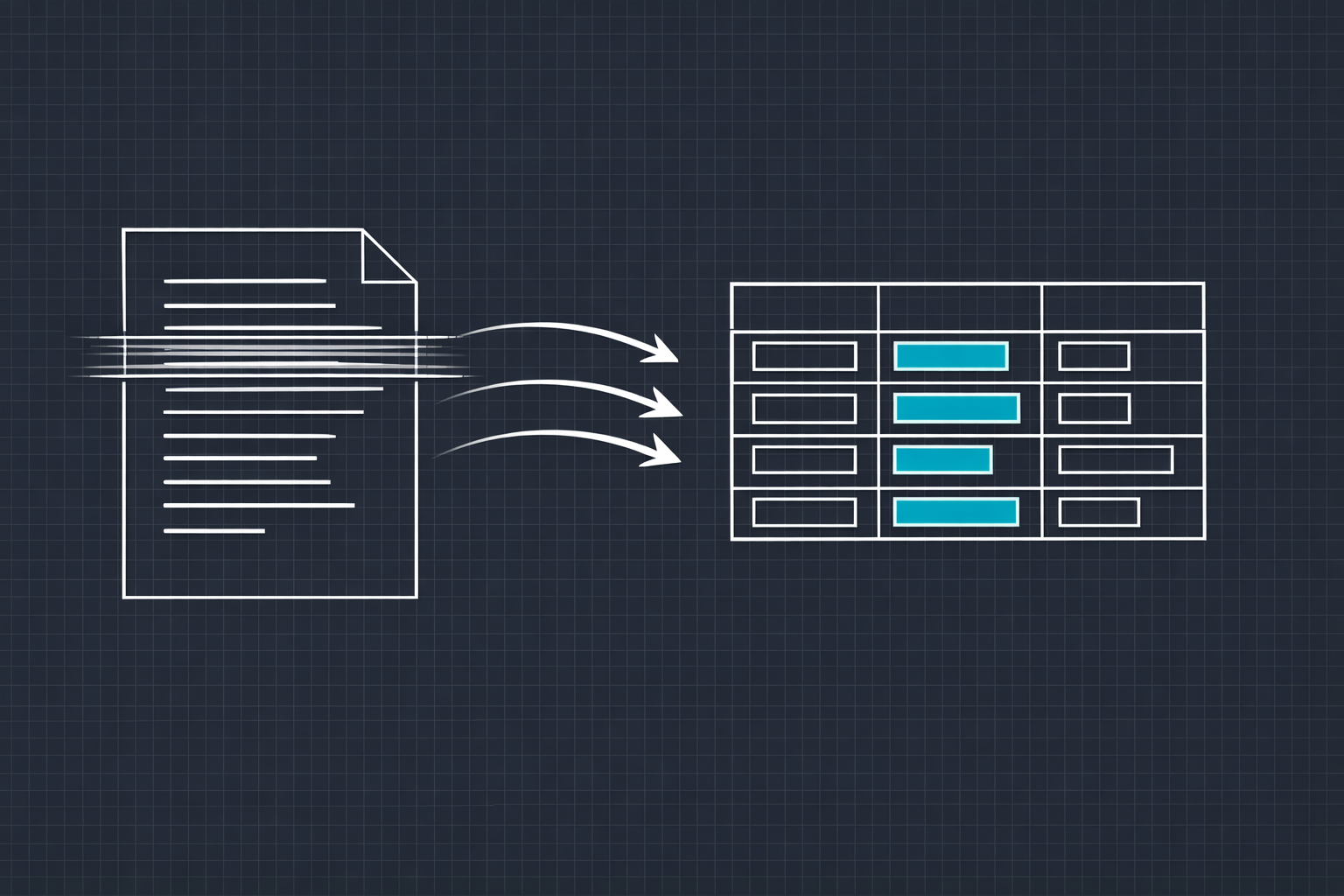
Data entry is one of those tasks that nobody likes, nobody talks about, and every business relies on. Someone has to take information from one place and put it in another. Invoices into accounting software. Customer details from emails into a CRM. Product specs from PDFs into a database. Handwritten forms into digital records. It is tedious, error-prone, and consumes a staggering number of hours across every industry.
I work with AI and machine learning systems every day, and data entry automation is one of the areas where the technology delivers the most immediate, tangible value. Not in some theoretical future. Right now. The tools are mature, the accuracy is production-ready, and the return on investment is usually measured in weeks, not years.
Here is a practical breakdown of how AI-powered data entry actually works, what it can and cannot do, and how to think about implementing it in your own operations.
The Anatomy of Manual Data Entry
Before talking about automation, it helps to understand what "data entry" actually involves at a technical level. It is not one task. It is a pipeline of several distinct operations that humans perform so naturally they rarely think about them separately.
Document intake. Information arrives in some format: an email attachment, a scanned form, a photograph, a fax, a spreadsheet, a PDF. The first step is simply receiving the input and identifying what kind of document it is.
Classification. Is this an invoice, a purchase order, a shipping label, a medical form, a tax document? Humans classify documents instantly by recognizing visual patterns and contextual cues. This classification determines what information needs to be extracted and where it should go.
Extraction. The human reads the document and identifies the relevant fields. Invoice number, date, vendor name, line items, totals. The specific fields depend on the document type, and the layout varies wildly between different sources. An invoice from one vendor looks completely different from an invoice from another.
Validation. Does the total match the sum of line items? Is the date in a valid format? Is this vendor already in the system? Experienced data entry operators catch inconsistencies that would otherwise propagate through the system as errors.
Entry. Finally, the validated data gets typed or pasted into the destination system. A database, an ERP, a spreadsheet, a CRM. This is the step people think of as "data entry," but it is actually the simplest part of the pipeline.
Each of these steps is now automatable with AI. Some are easier than others.
How AI Handles Each Step
Optical Character Recognition (OCR)
OCR is the foundation. It converts images of text into machine-readable characters. Modern OCR engines, particularly those built on deep learning architectures, are remarkably accurate even on challenging inputs: rotated documents, low-resolution scans, handwritten text, tables with complex layouts, documents with stamps and signatures overlapping the text.
But raw OCR output is just text. It does not understand what the text means or where it belongs. That is where the next layers come in.
Document Classification Models
Convolutional neural networks and transformer-based models can classify documents with accuracy that matches or exceeds human performance. You train the model on examples of each document type you handle, and it learns to recognize the visual and textual patterns that distinguish them. A well-trained classifier can handle dozens of document types and correctly route them with over 98 percent accuracy.
The key advantage over rule-based classification is flexibility. Rules break when layouts change. A machine learning model adapts because it has learned the underlying patterns, not just the surface features.
Intelligent Data Extraction
This is where the real magic happens. Named entity recognition (NER) models, layout-aware transformers, and purpose-built extraction models can identify and pull specific data fields from unstructured documents. Models like LayoutLM and its successors understand the relationship between text content and its position on the page. They know that the number next to "Total:" is a dollar amount, that the text in the top-right corner is probably a date, and that the rows in the middle of the page are line items.
For structured documents like invoices, modern extraction models achieve field-level accuracy above 95 percent out of the box and above 99 percent with fine-tuning on your specific document formats. For semi-structured documents like contracts or medical records, accuracy depends on the complexity and variability of the formats, but it is consistently high enough to be useful with a human-in-the-loop for exceptions.
Validation and Cross-Referencing
AI validation goes beyond simple format checking. The system can cross-reference extracted data against existing databases (does this vendor exist? does this PO number match an open order?), verify mathematical consistency (do the line items sum to the total?), and flag anomalies for human review (this invoice amount is 10x the typical order from this vendor).
This is where automation does not just match human performance but exceeds it. A human doing data entry at speed will miss inconsistencies. A validation system that checks every field against every rule, every time, catches errors that manual processes never would.
What This Looks Like in Practice
Let me walk through a concrete example. A mid-sized distribution company receives 200 invoices per day from various vendors. Each invoice needs to be entered into their ERP system with the vendor name, invoice number, date, PO number, line items (product code, description, quantity, unit price), subtotal, tax, and total.
Manually, this takes a team of three full-time data entry clerks roughly 24 person-hours per day. Error rates run around 2 to 4 percent, which means 4 to 8 invoices per day have at least one field entered incorrectly. Those errors cascade downstream into payment disputes, inventory discrepancies, and accounting mismatches.
With an AI-powered pipeline, the process changes fundamentally. Invoices arrive via email or scan and are automatically classified and queued. The extraction model pulls all required fields. The validation engine checks mathematical consistency, cross-references vendor and PO databases, and flags any anomalies. Clean invoices (typically 85 to 90 percent of the total) flow directly into the ERP with no human touch. The remaining 10 to 15 percent are flagged for review, where a human validates or corrects the extracted data in a streamlined interface that shows the original document side by side with the extracted fields.
Total human effort drops from 24 person-hours to about 3 person-hours per day. Error rates drop below 0.5 percent. And the data is available in the system within minutes of the invoice arriving, instead of the 24 to 48 hour lag of manual processing.
Beyond Invoices: Where Else This Applies
Invoice processing is the most common use case, but the same technology applies anywhere humans are manually transferring information between formats.
- Healthcare. Patient intake forms, insurance claims, lab results, prescription records. Medical data entry is particularly painful because the stakes are high, the formats are inconsistent, and the volume is relentless.
- Legal. Contract data extraction, court filing processing, compliance documentation. Lawyers and paralegals spend enormous amounts of time extracting key terms, dates, and obligations from contracts that could be parsed algorithmically.
- Logistics. Shipping documents, customs forms, bills of lading, packing lists. The logistics industry runs on paperwork, and a huge portion of that paperwork is people copying numbers from one form to another.
- Human resources. Resume parsing, onboarding forms, benefits enrollment, timesheet processing. Every HR department has a stack of manual data entry tasks that eat into time that could be spent on actual people management.
- Real estate. Property listings, inspection reports, appraisal documents, lease agreements. Data from these documents feeds into multiple systems, and every manual transfer is an opportunity for error.
Building vs. Buying a Solution
There are commercial data entry automation platforms, and some of them are quite good for standard use cases. If you are processing a high volume of a single document type in a standard format, an off-the-shelf tool may be sufficient.
But most companies that invest in data entry automation eventually hit the limits of generic tools. Their documents have unusual layouts. They need custom validation rules tied to their specific business logic. They need the system to integrate with proprietary internal systems. They need the extraction model to handle domain-specific terminology that general models were not trained on.
This is where a custom-built solution delivers dramatically more value. A system designed around your actual document types, your actual validation rules, and your actual destination systems will outperform a generic tool because it is solving your specific problem. The extraction model is trained on your data. The validation rules encode your business logic. The integration layer speaks directly to your systems.
Getting Started: A Practical Roadmap
If you are considering automating data entry, here is how I would recommend approaching it.
Audit your current process. Map every type of document you process manually. Count the volume. Measure the time. Calculate the error rate. This gives you a baseline to measure improvement against and helps you prioritize which document types to automate first.
Start with the highest-volume, most-standardized document type. Invoices, purchase orders, or whatever you process the most of in the most consistent format. This is where you will see the fastest ROI and build confidence in the system.
Plan for a human-in-the-loop. No AI system is 100 percent accurate. Design the workflow so that low-confidence extractions are routed to a human reviewer. This gives you the throughput benefits of automation with the accuracy guarantee of human oversight. Over time, as the model improves on your data, the percentage that requires human review will decrease.
Measure everything. Track processing time, accuracy rates, exception rates, and downstream error impacts. These metrics justify the investment and guide continuous improvement.
The technology for automating data entry is not emerging. It is here. The question for most companies is not whether to automate but how soon they can start reclaiming the hours their team is spending on copy-paste work that a machine can do faster and more accurately.
If you are ready to explore what automation could look like for your specific data pipeline, let's talk. We build custom data processing solutions that are designed around your documents, your rules, and your systems.